Help Center Billing
Refund a payment
Record money you gave back to a client, all of it or part, and refund card payments in Stripe.
How you refund depends on how the client paid. For a cash, check or other payment recorded in ChiroApp, you give the money back yourself (cash, check or a transfer) and record the refund on the invoice. A card payment made through Stripe is refunded in your Stripe dashboard, and ChiroApp records that refund on the invoice by itself.
In the menu, open Billing, then Invoices.
On a phone On a phone, tap the menu button (three lines) at the top left first.
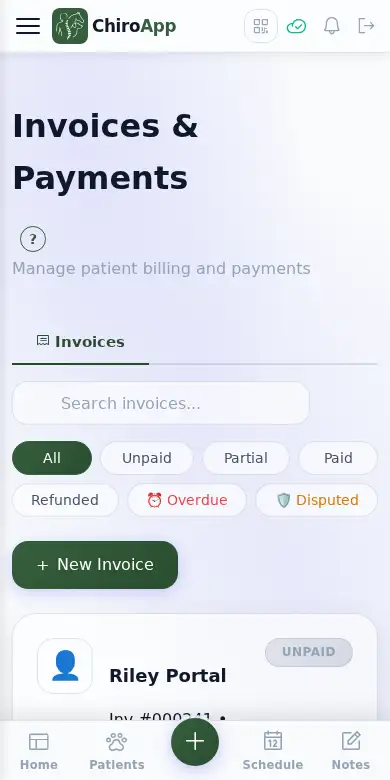
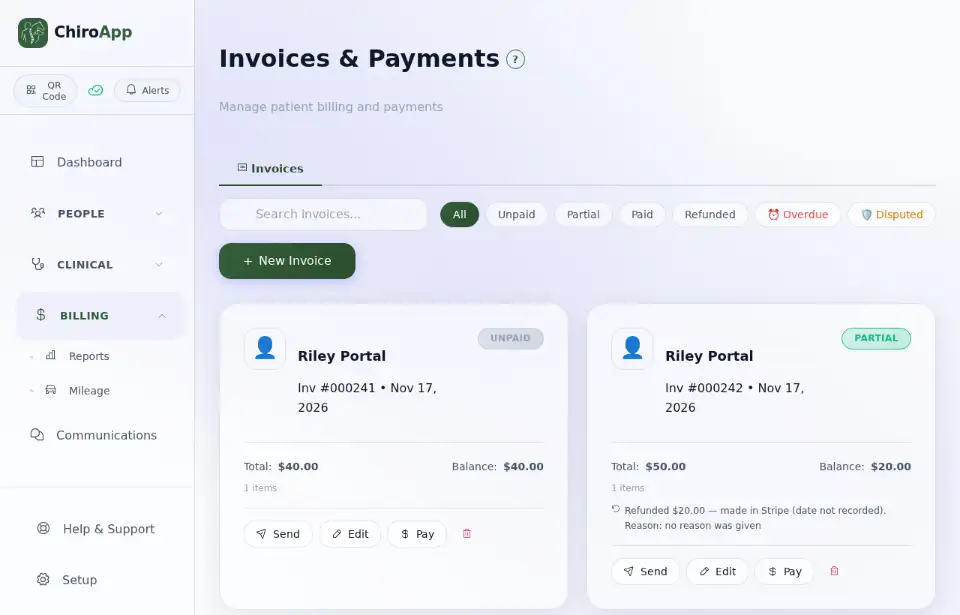
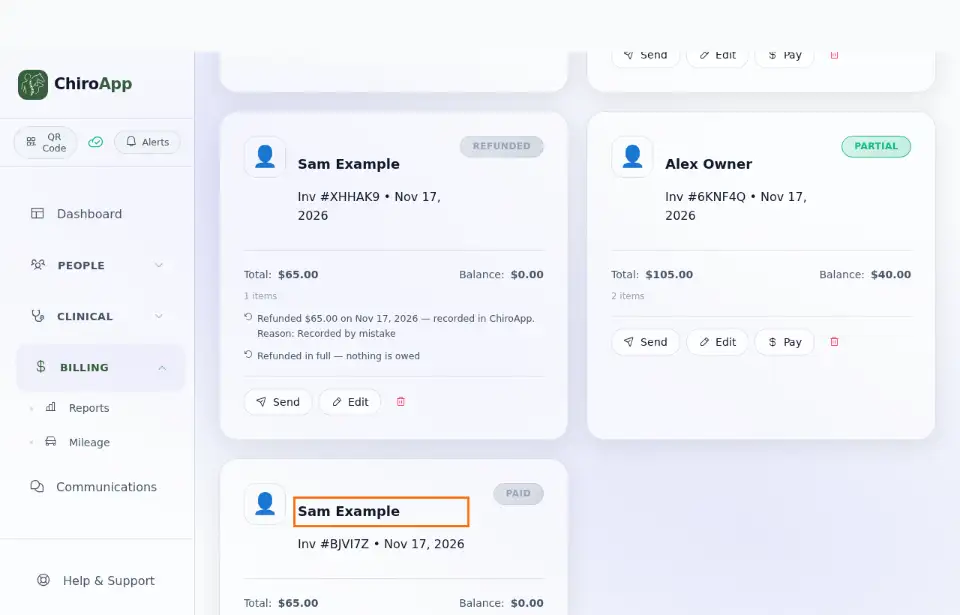
Press the invoice (the client's name) to open it, then press Refund Payment. It is there when the invoice has a recorded cash, check or other payment.
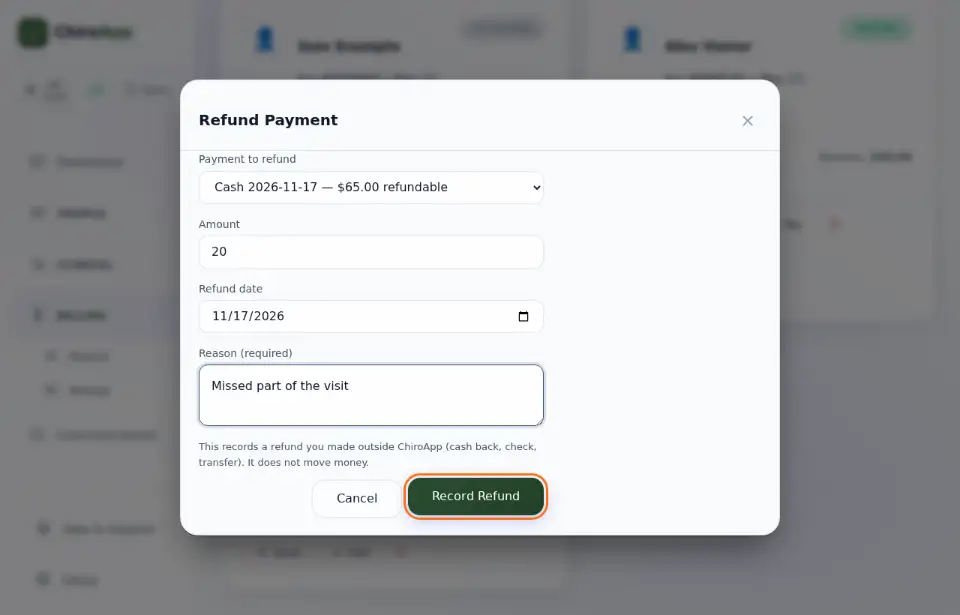
Choose the Payment to refund. The Amount starts as the whole payment: to refund part of it, type that part. Check the Refund date, type the Reason (required) and press Record Refund.
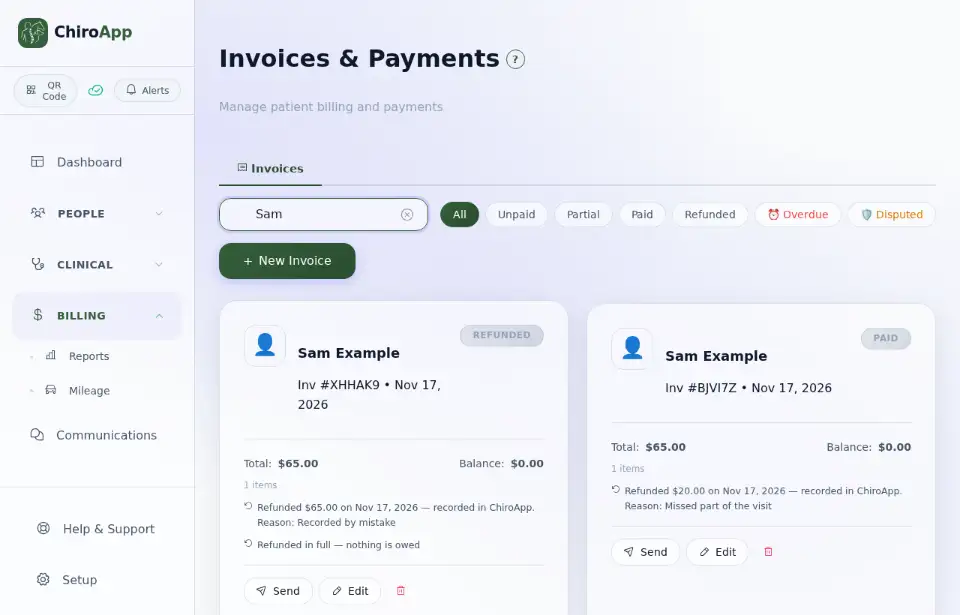
The invoice shows the refund, its date, its reason and that it was recorded in ChiroApp. (To find a client's invoices quickly, type the name in the search box.) An invoice whose payments are all refunded shows Refunded and owes nothing; to charge the client again, use Bill again (see Correct a payment recorded by mistake).
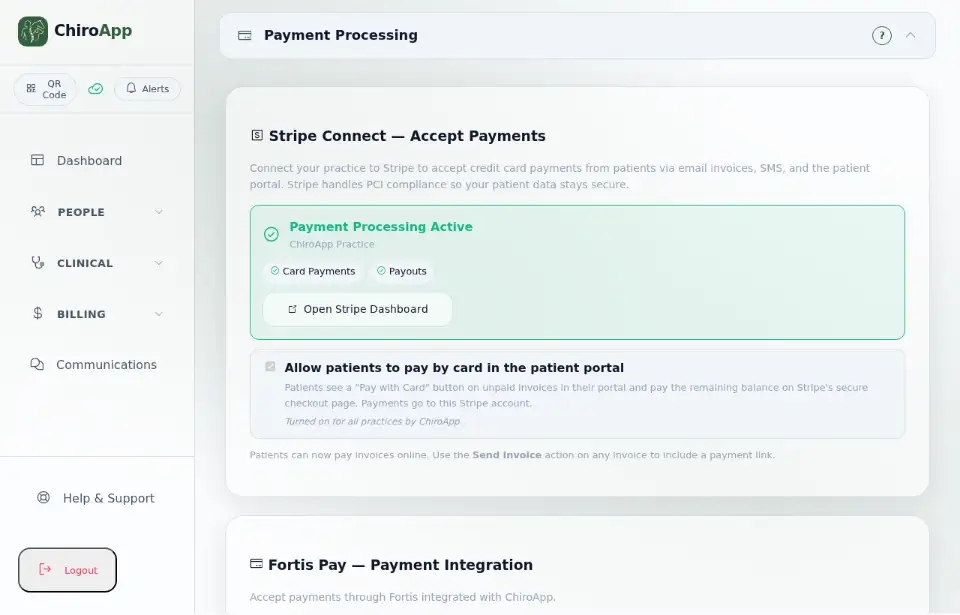
To refund a card payment, open Setup, then Payment Processing, and press Open Stripe Dashboard. Find the payment in Stripe and refund it there.