Help Center Billing
Correct a payment recorded by mistake
Fix a payment recorded with the wrong amount or method: refund it, then record the right one.
A payment recorded in ChiroApp can't be changed or removed by editing the invoice: ChiroApp keeps every payment for your records. To correct one (the wrong amount, method or date), refund it and record the right one. The example corrects a $65 payment.
In the menu, open Billing, then Invoices.
On a phone On a phone, tap the menu button (three lines) at the top left first.
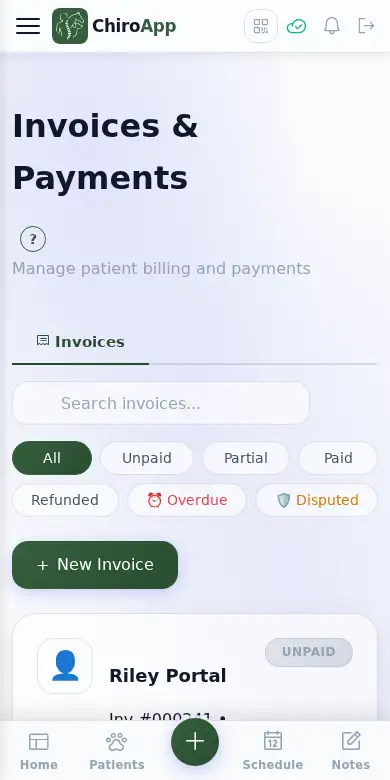
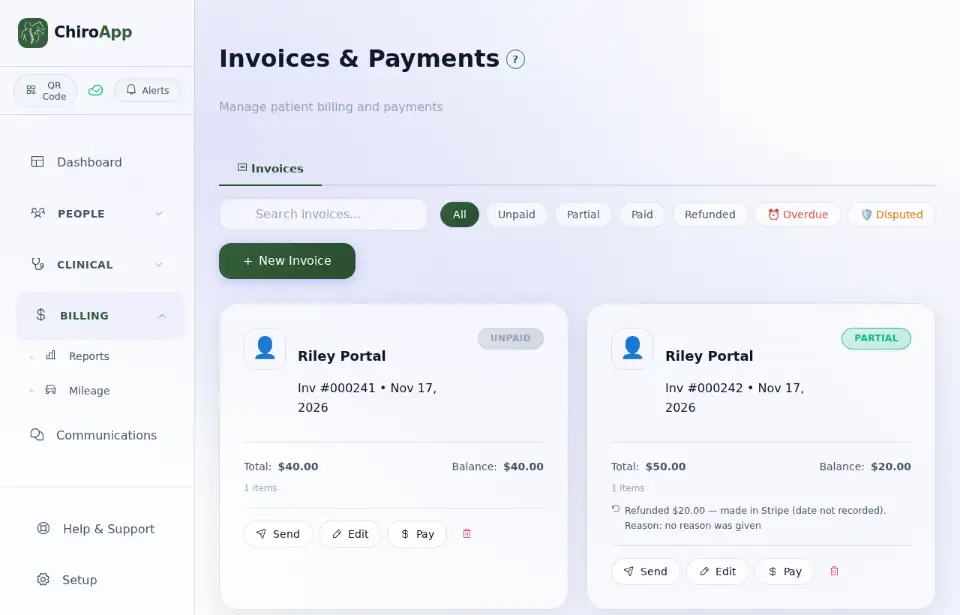
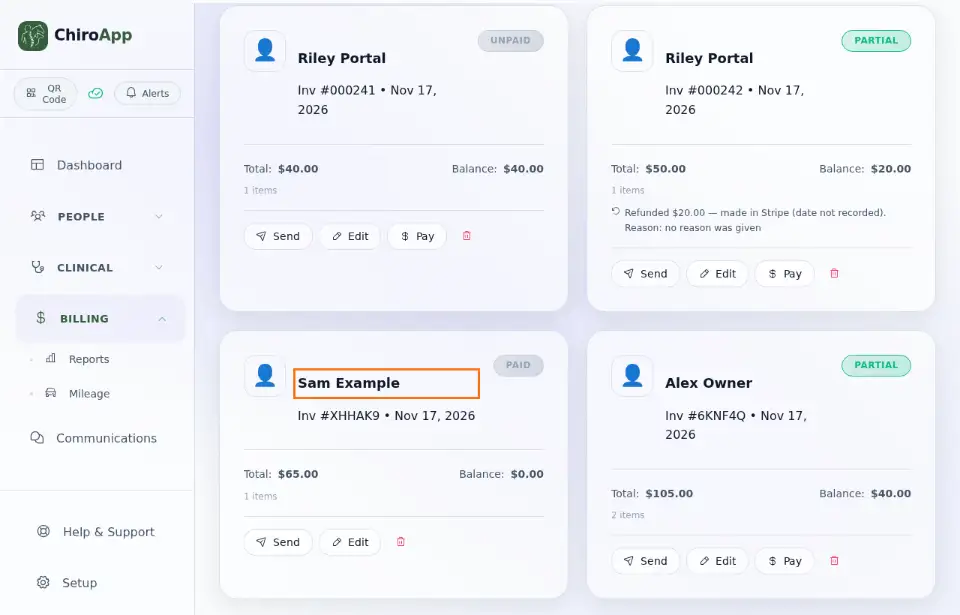
Press the invoice (the client's name) to open it, then press Refund Payment.
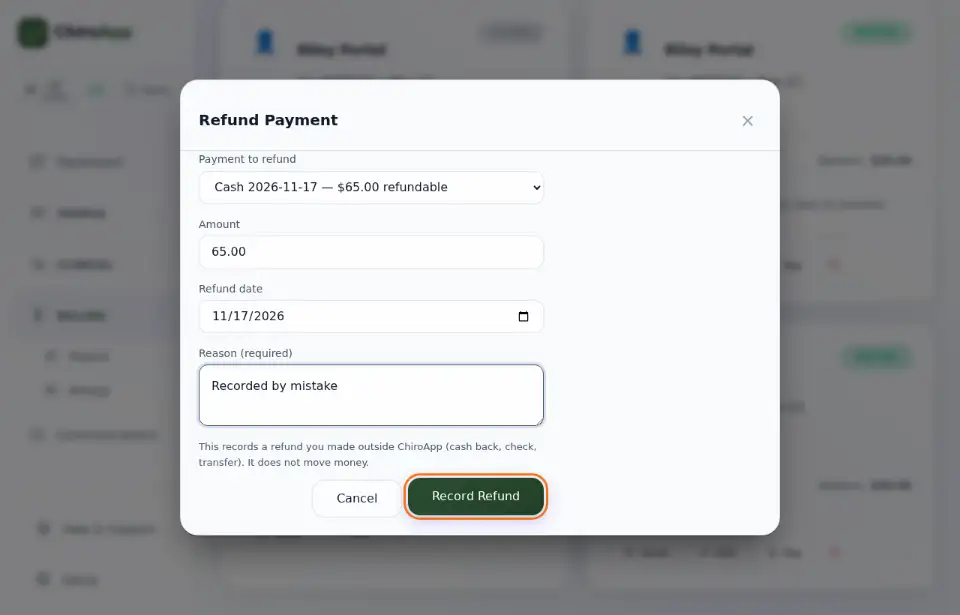
Under Payment to refund, choose the wrong payment. Leave the whole Amount, check the Refund date and type the Reason (required), for example "Recorded by mistake". Press Record Refund. This only records what happened: it does not move money.
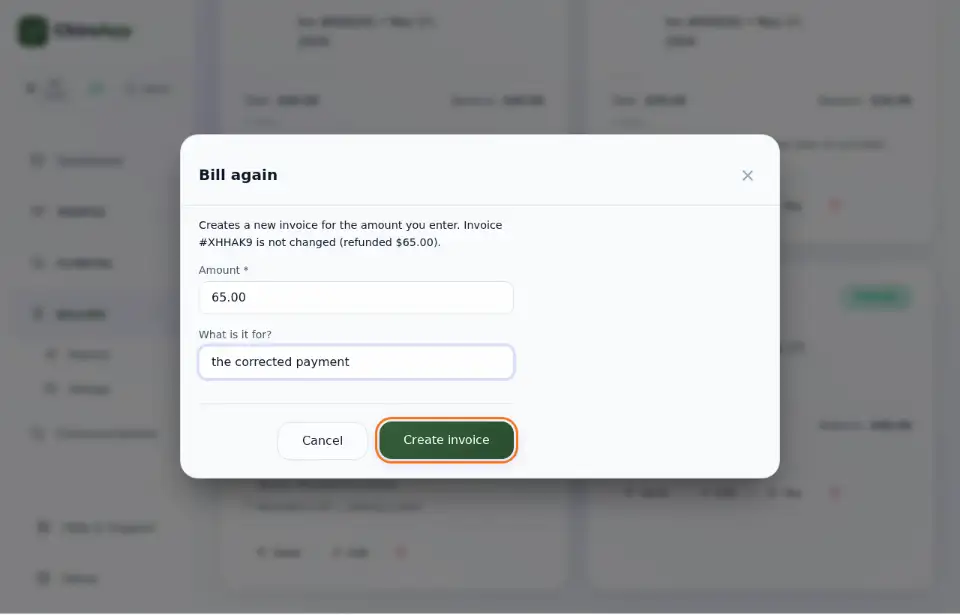
The invoice now shows Refunded: nothing is owed on it. Press it again and press Bill again. The Amount is filled in with what was refunded; type What is it for? (for example "the corrected payment") and press Create invoice. ChiroApp creates a new invoice for that amount; the refunded invoice is not changed.
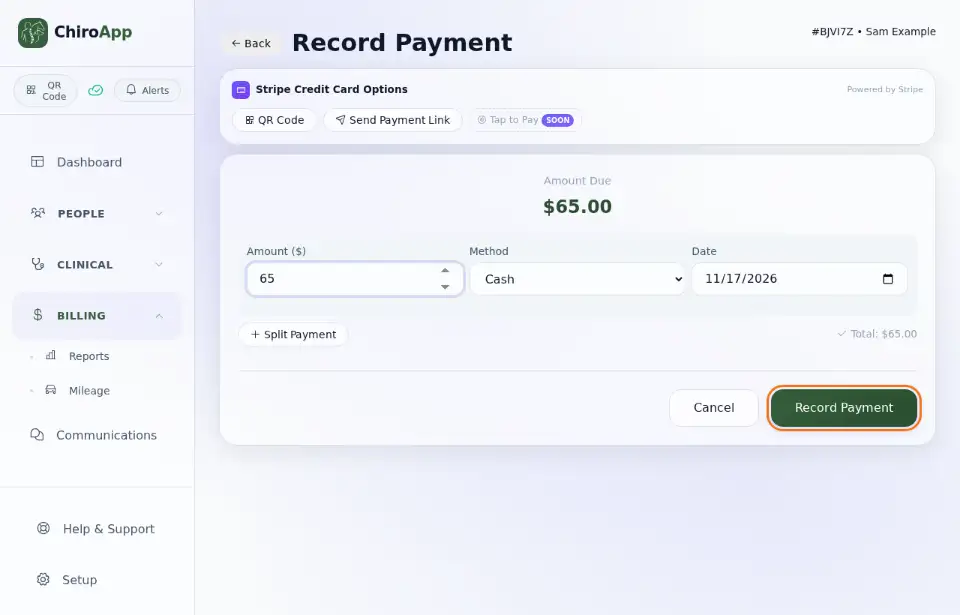
On the new invoice, press Pay. Fill in the Amount ($), choose the right Method and the Date, and press Record Payment.
To give back only part of a payment (for example the client was charged too much), refund just that part: see Refund a payment.