Help Center Getting started
Sign in, email codes and signing out
How signing in works: your password, a 6-digit code by email on a new device, 30 days without a code on a remembered device, and Forget this device when you sign out.
Each person signs in with their own email address and password. The first time on a device, ChiroApp also emails a 6-digit code to prove it is you. After that, the device is remembered for 30 days.
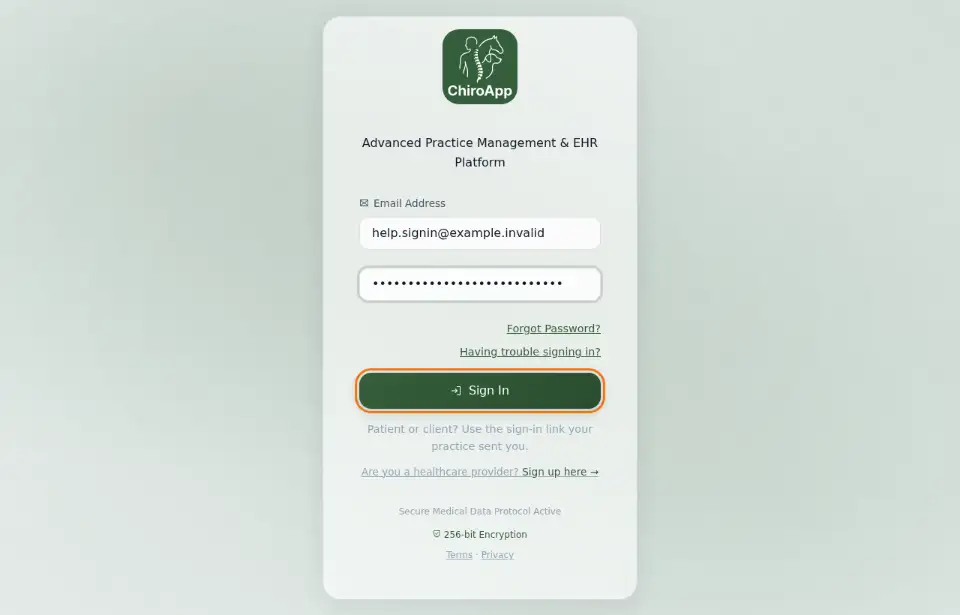
Open ChiroApp, enter your Email Address and password, and press Sign In once. The button shows that ChiroApp is signing you in; pressing it again does nothing until the answer comes back.
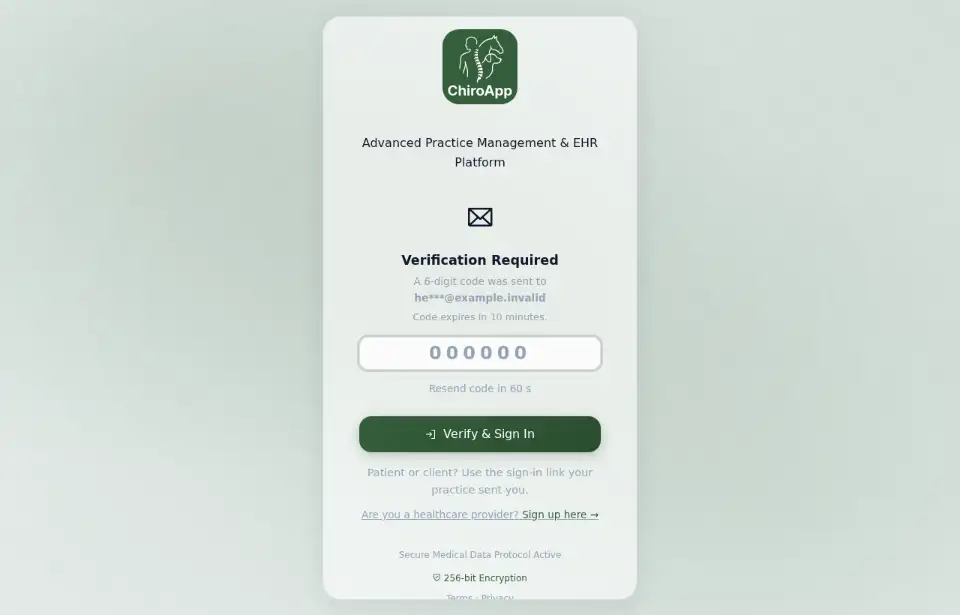
On a new device ChiroApp emails you a 6-digit code. The screen shows the address it went to and says Code expires in 10 minutes. Type the code (spaces don't matter) and press Verify & Sign In. If the email doesn't come, wait for the countdown to finish and press Resend code. Codes from earlier emails keep working until they expire, so you can use whichever email arrives first. If a code doesn't match, the screen says so in plain words.
After you enter a code, ChiroApp remembers this device for 30 days: signing in here again needs only your password. You get a code again on a new device, after you change your password, after 30 days, or after ChiroApp support signs your account out everywhere. When you sign out on a remembered device, ChiroApp asks whether to forget it. Tick Forget this device (ask for an email code next time) on a shared or borrowed computer, then press Sign out. On your own phone or computer, just press Sign out. Forgot your password? Press Forgot Password? on the sign-in screen and follow the emailed code. To add staff who sign in with their own account, see Add staff and providers. Still stuck? Press Having trouble signing in? under Forgot Password? on the sign-in screen: it lists these steps and has a short form that emails ChiroApp support (don't include patient details) and gives you a reference number. Clients and patients sign in with the link their practice sent them; the practice can send it again.