Help Center Getting started
How saving and syncing works
Where your changes go when you press Save, what the save status at the top means, and what to do on an iPhone or iPad.
ChiroApp keeps working without internet. Every change is saved on your device first and then sent to ChiroApp. It is sent while ChiroApp is open and has internet: ChiroApp does not send changes in the background when it is closed.
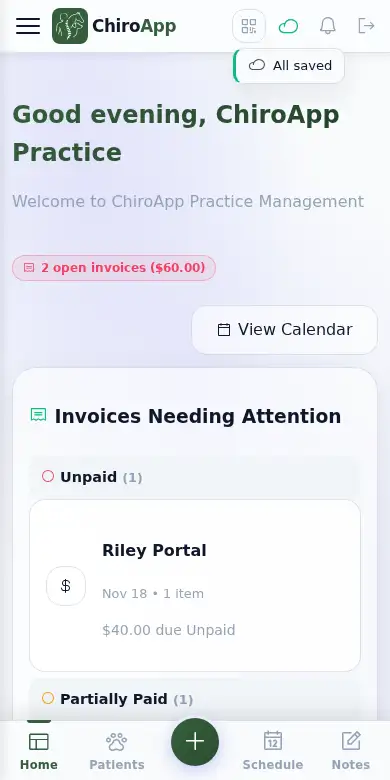
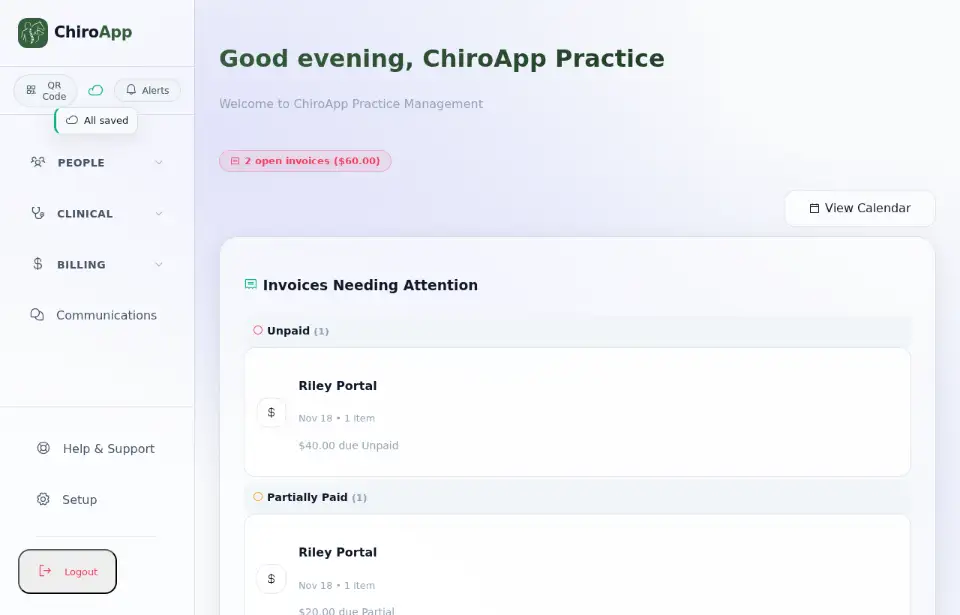
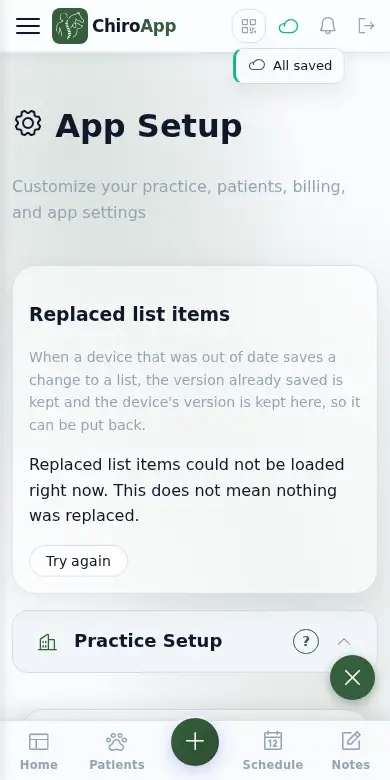
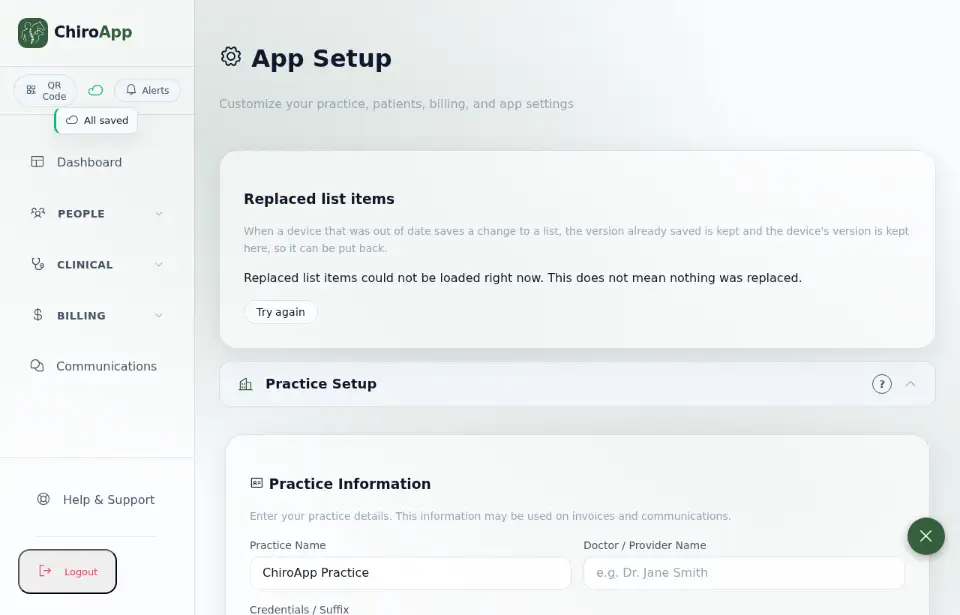
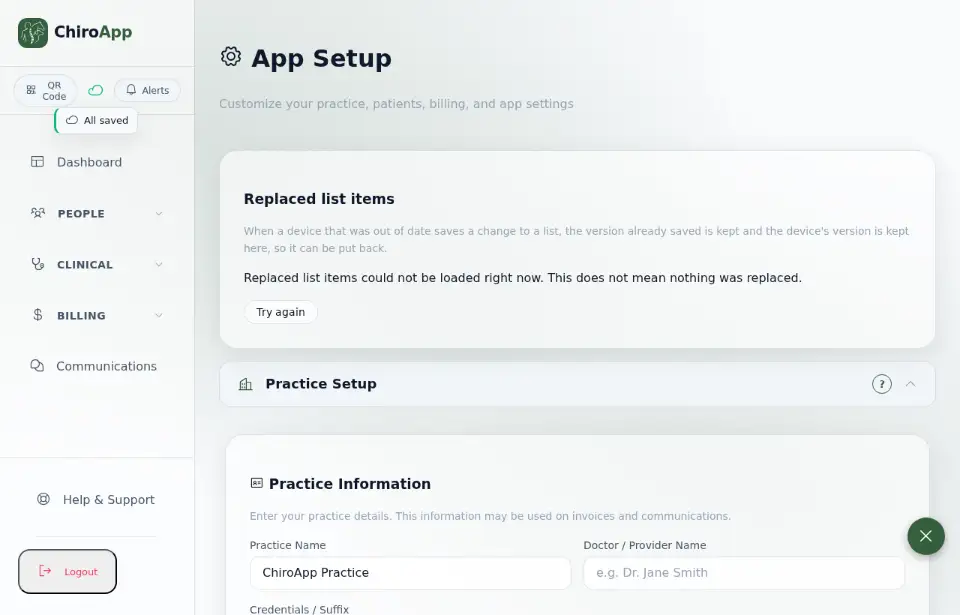
When you press Save, the change is saved on this device at once and sent to ChiroApp straight away while the app is open and has internet. The cloud at the top of the menu shows how it is going. Tap it: it says All saved when everything has been sent.
On a phone On a phone, the cloud is at the top right of the screen.
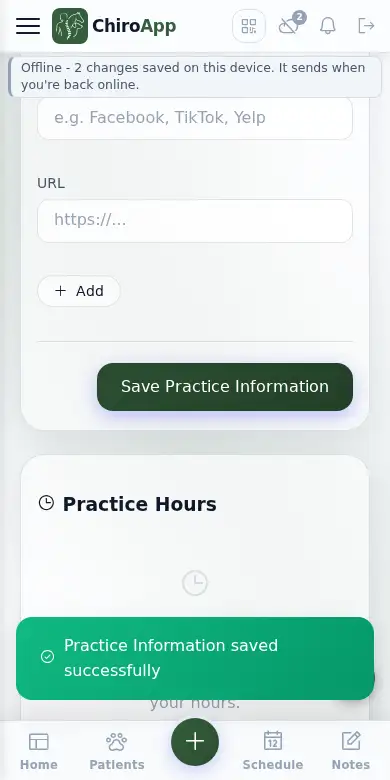
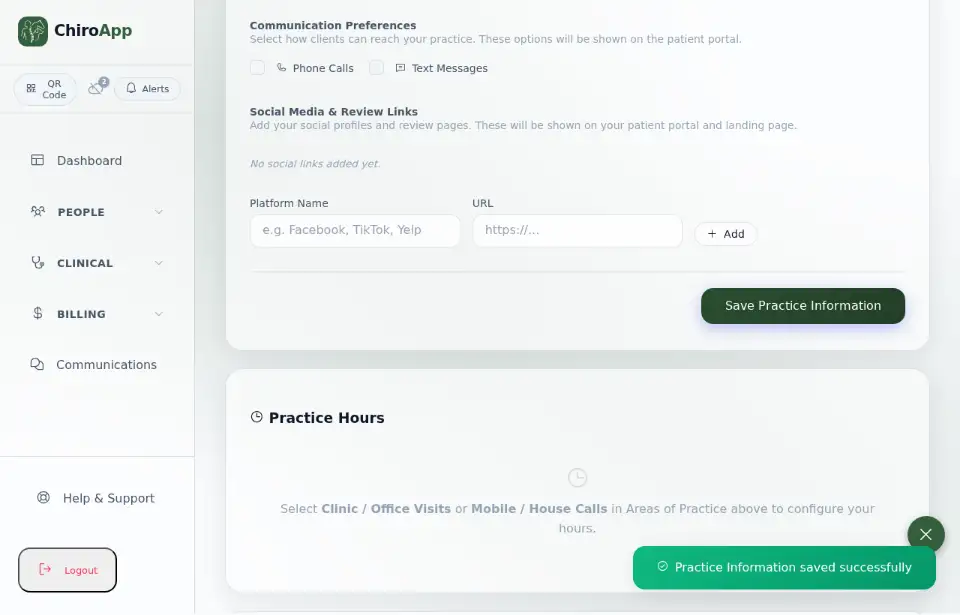
No internet? Keep working. For example, in Setup under Practice Information, change the Phone Number and press Save Practice Information. The change is kept safe on this device: the cloud shows the offline sign with a small number, and one line at the top says how many changes are waiting, for example Offline - 2 changes saved on this device. It sends when you're back online. (this screen saves its information in two parts). With nothing waiting it says "Offline - you can keep working".
On a phone On a phone, the line is just under the top bar; the menu, the logo and the cloud stay where they are.
Changes send by themselves as soon as ChiroApp is open with internet again; you do not need to do anything. The number goes away, and tapping the cloud says All saved again.
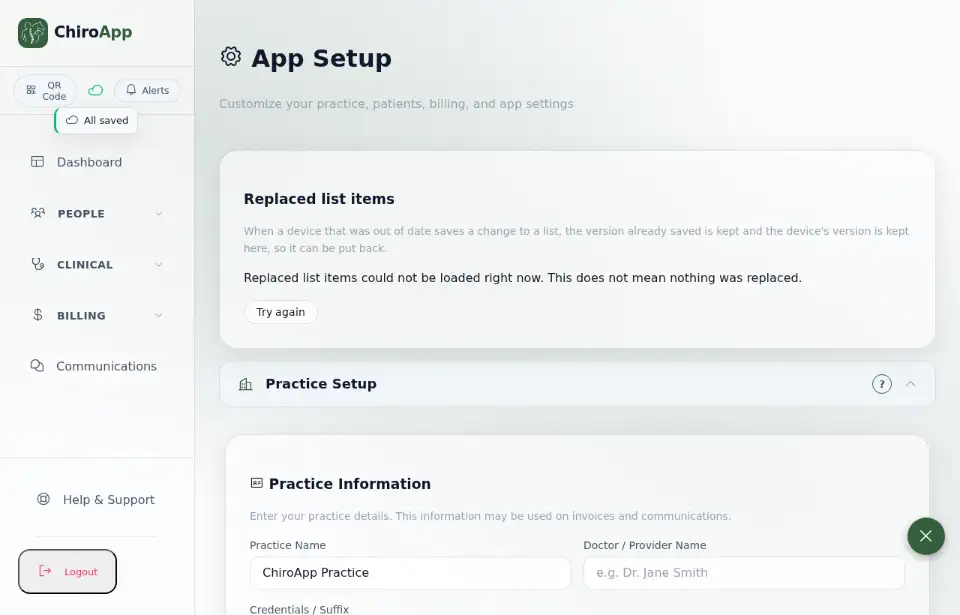
If the internet is slow, the number stays on the cloud for a while. Tapping the cloud then says, for example, "1 change waiting to send - keep ChiroApp open": ChiroApp is still sending, so leave it open. If changes wait for more than a minute, a line under the top bar on a phone says the same, and it goes away once they are sent. Some changes are finished by ChiroApp itself after they arrive; they are counted as waiting too, and you never need to sort them out.
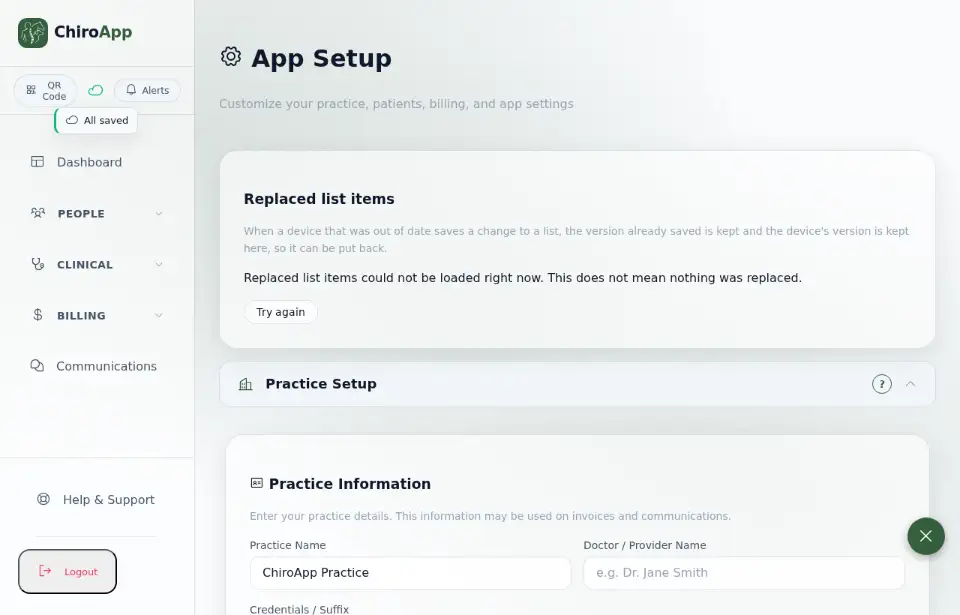
iPhone and iPad: ChiroApp does not run at all when it is closed or in the background, so it cannot send anything then. Open ChiroApp where you have signal or Wi-Fi so your changes send, and tap the cloud to check it says All saved before you put the phone away. If you left before everything had sent, ChiroApp shows a short tip the next time you open it: "Some changes hadn't sent when you left. They're safe on this device and send whenever ChiroApp is open with internet."
On a phone The same is true on every phone and tablet: ChiroApp sends only while it is open.
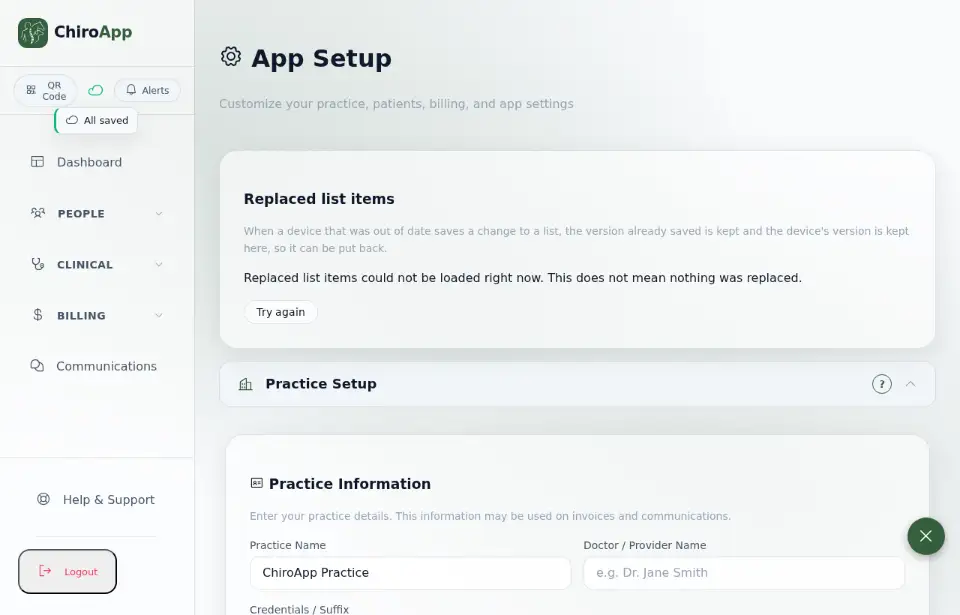
On a computer, if you close the ChiroApp tab or reload while changes are still sending, your browser asks whether you want to leave. Stay until the status says "All saved".
Some things happen on ChiroApp's server without your app being open: appointment reminders, Google Calendar updates and vet form emails, for example. Your own edits are different: they stay on your device until ChiroApp is open with internet and sends them.
A change is never thrown away because a device was offline or closed: it waits safely on that device. If you sign out while changes are still waiting, ChiroApp warns you first. Questions? Open Help & Support and use the Contact ChiroApp card.