Help Center Billing
Prepaid visit packages
Sell a bundle of visits paid up front, then use one visit at a time on later invoices.
A prepaid package is a number of visits a client pays for up front, for example 5 visits for $300. Each later visit uses one visit of the package on its invoice. Packages are marked Pro+ in Setup.
In the menu, open Setup.
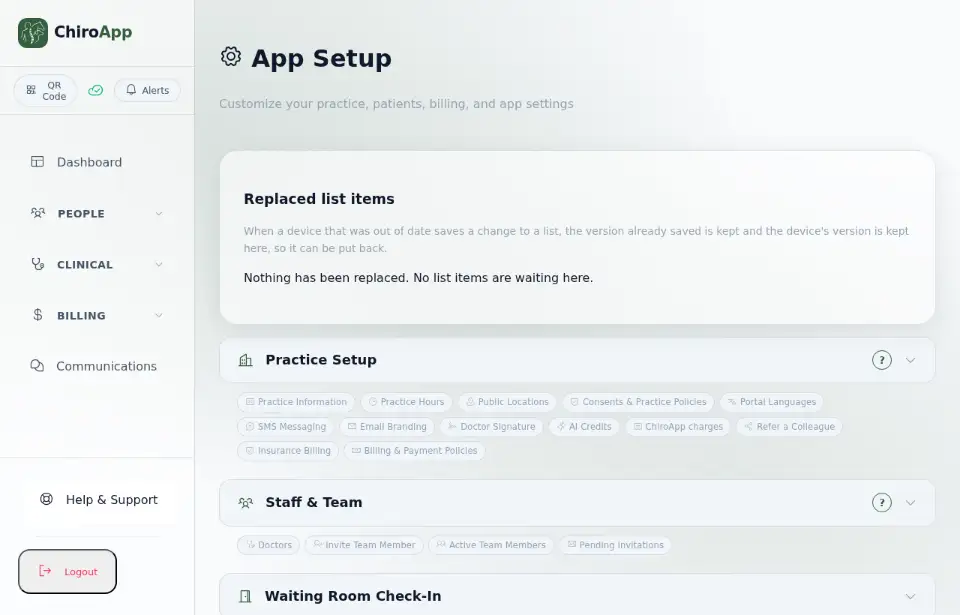
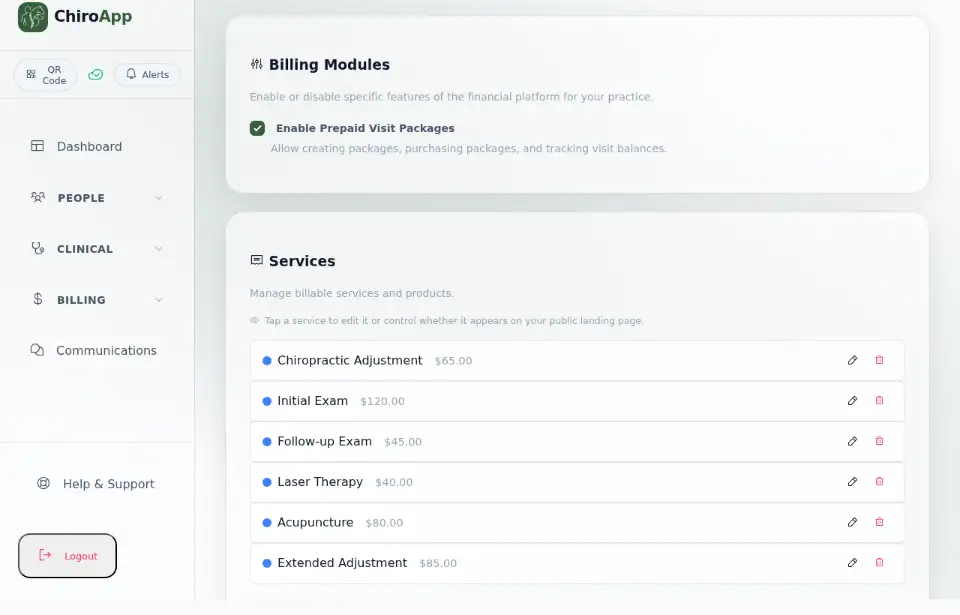
Open Billing & Invoices. Under Billing Modules, tick Enable Prepaid Visit Packages.
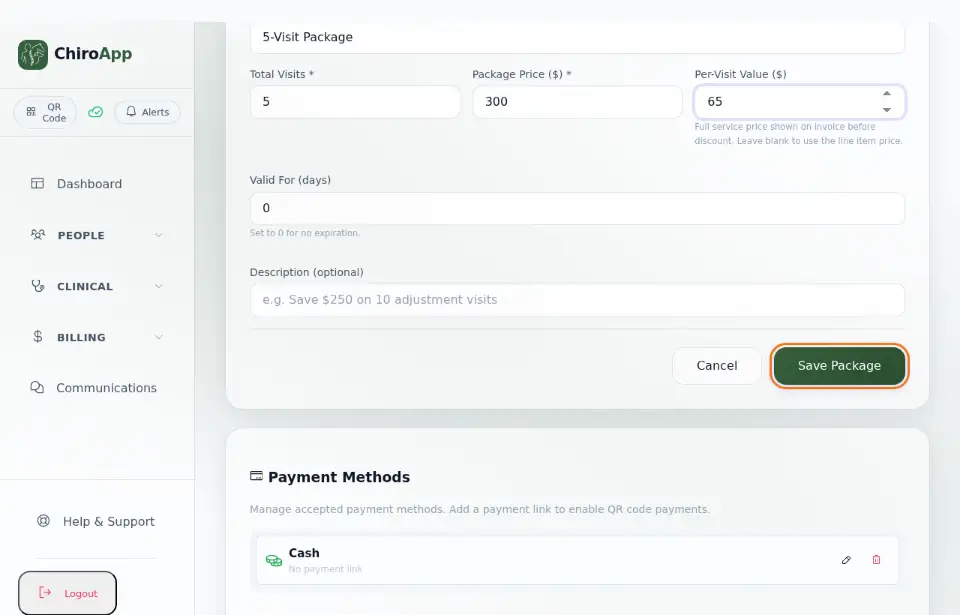
Under Prepaid Visit Packages, press Add Package. Fill in the Package Name, Total Visits and Package Price ($). Per-Visit Value ($) is the full price of one visit, shown on the invoice before the package discount (leave it blank to use the line's price). Valid For (days) set to 0 never expires. Press Save Package.
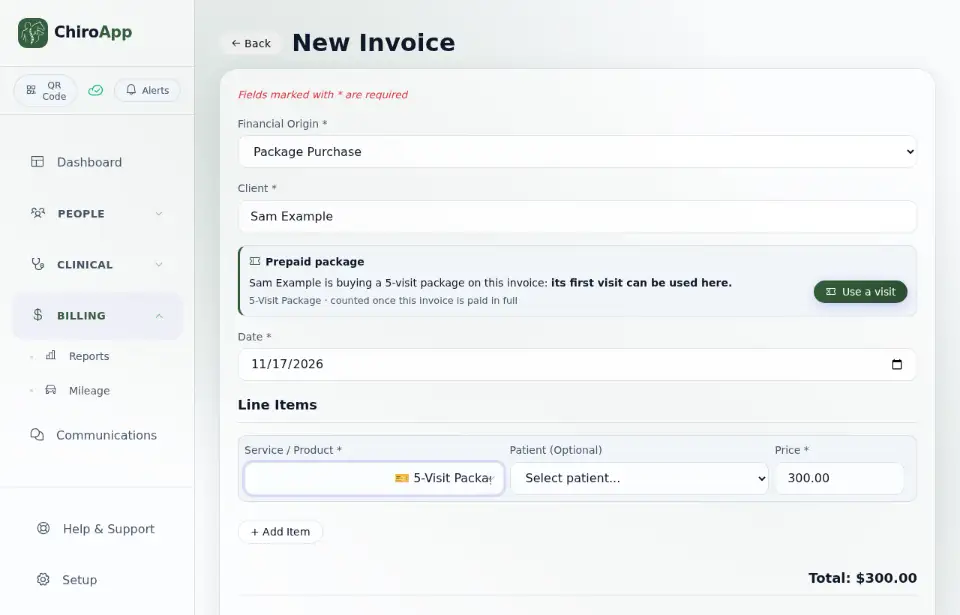
To sell the package, open Invoices and press New Invoice. Choose Package Purchase as the Financial Origin, choose the Client, then the package under Service / Product.
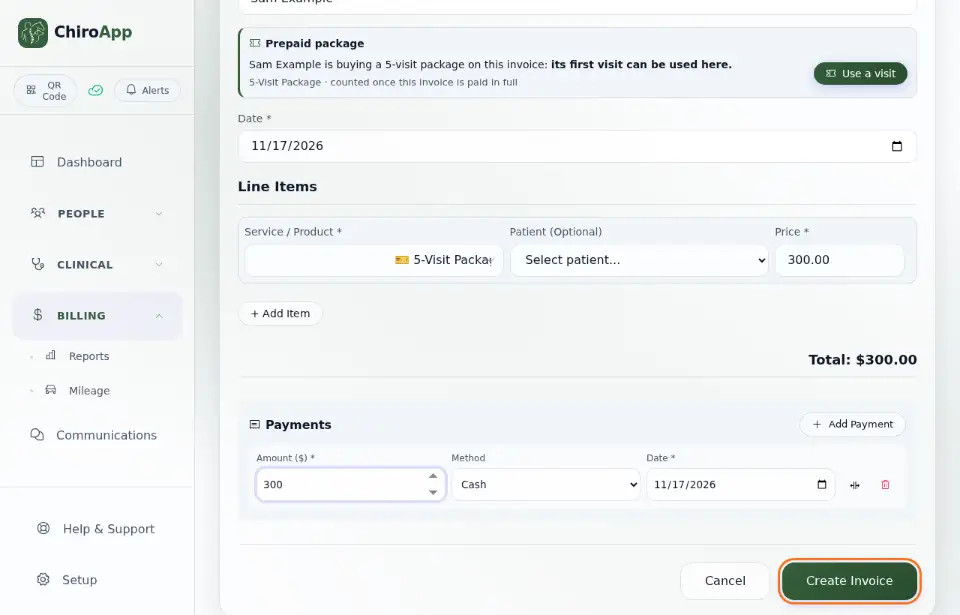
The package can be used once its invoice is paid in full. Press Add Payment, fill in the Amount ($) and press Create Invoice.
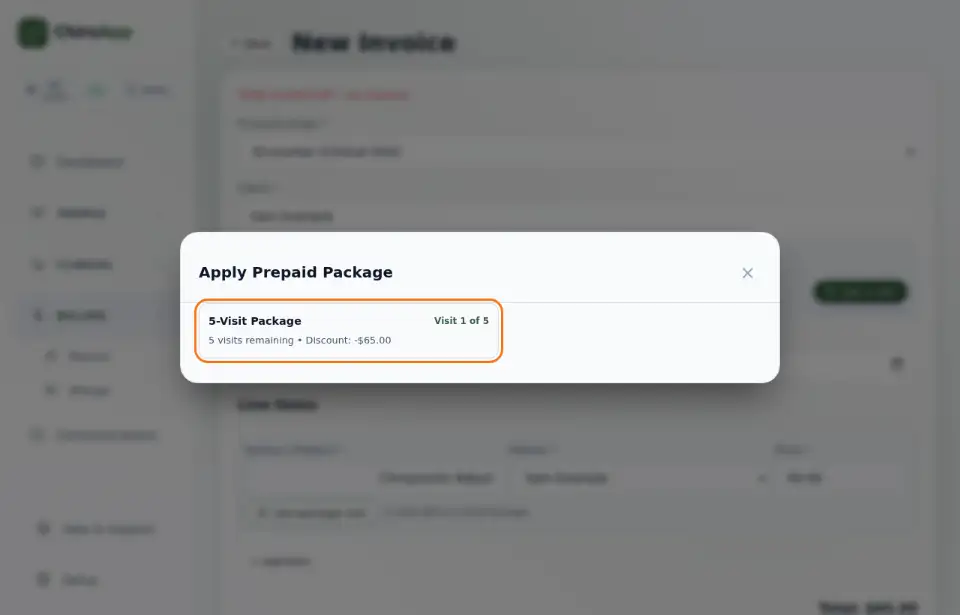
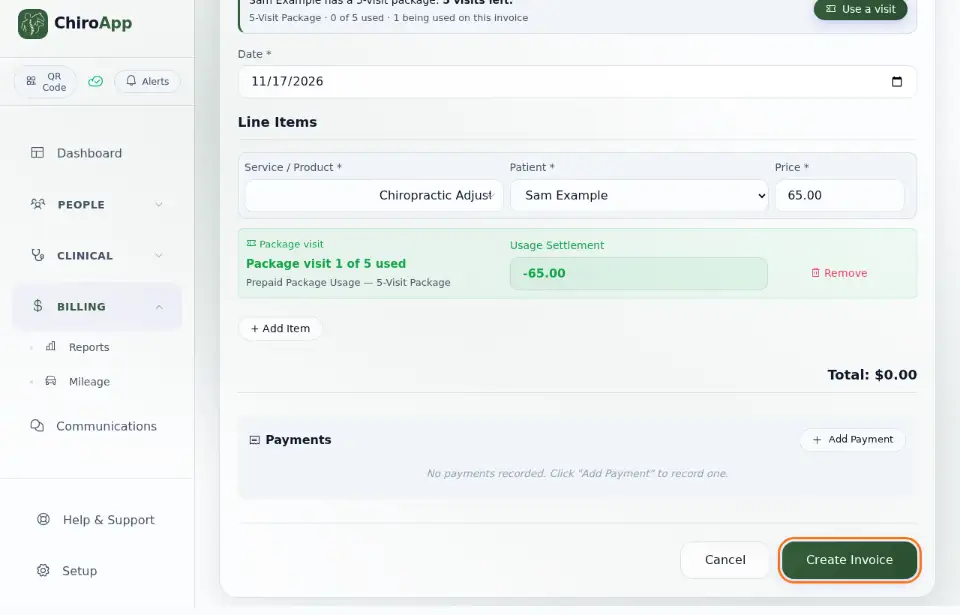
At the next visit, create the visit's invoice as usual (see Invoices and payments). On the service line, press Use package visit, then press the package in Apply Prepaid Package. The line shows the package visit and its discount, so the package pays for this visit.
Press Create Invoice. The package now has one visit fewer.
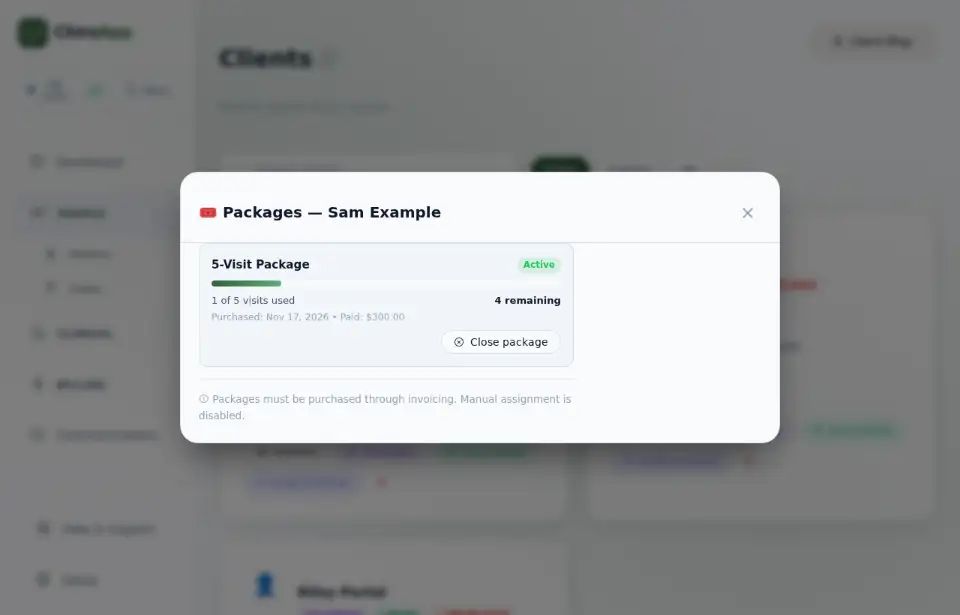
To see a client's packages and the visits left, open People, then Clients, and press Packages on the client.