Help Center Getting started
Echo, the ambient AI scribe
Turn on Echo, see what it costs, and let it draft your visit notes.
Echo listens to the visit through the microphone of your phone, tablet or computer and writes a draft visit note for you to check and sign.
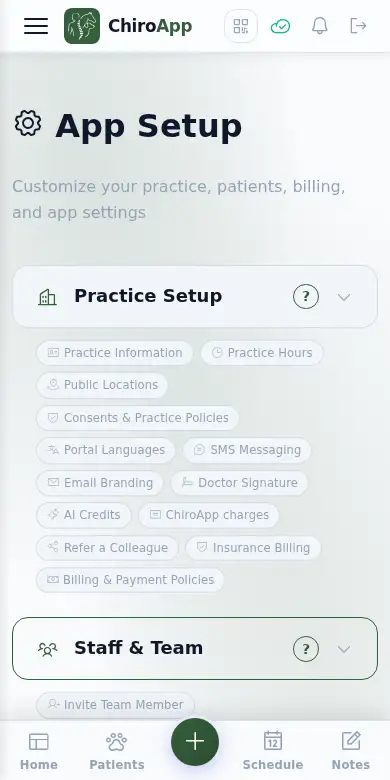
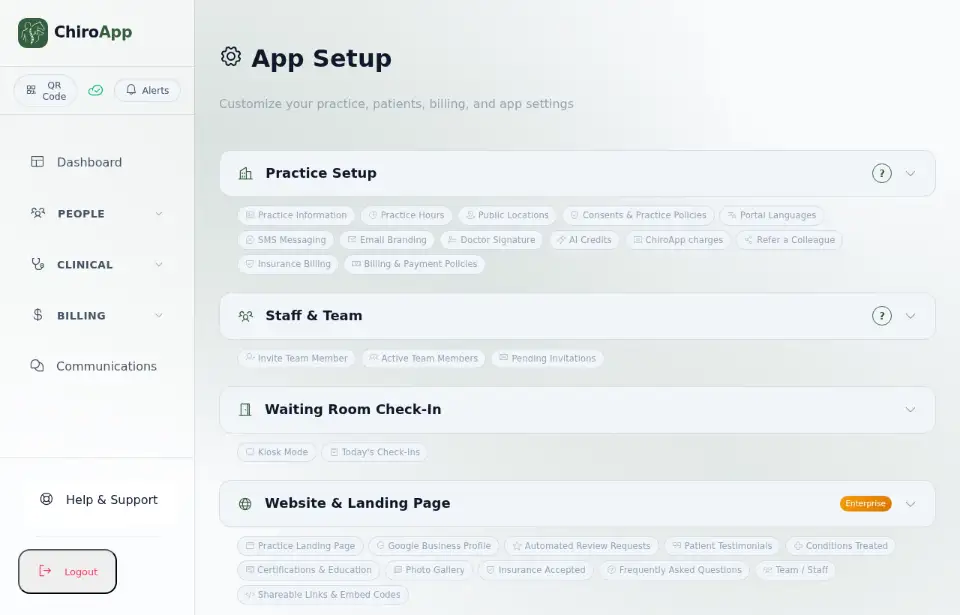
In the menu, open Setup.
On a phone On a phone, tap the menu button (three lines) at the top left first. Setup is near the bottom of the menu.
Open ChiroApp Intelligence. Under General Settings, tick AI for notes: it switches on Echo (the Ambient AI Scribe), Enhance with AI and the AI billing helpers, and uses AI credits. The Echo — Ambient AI Scribe card below it holds Echo's own settings.
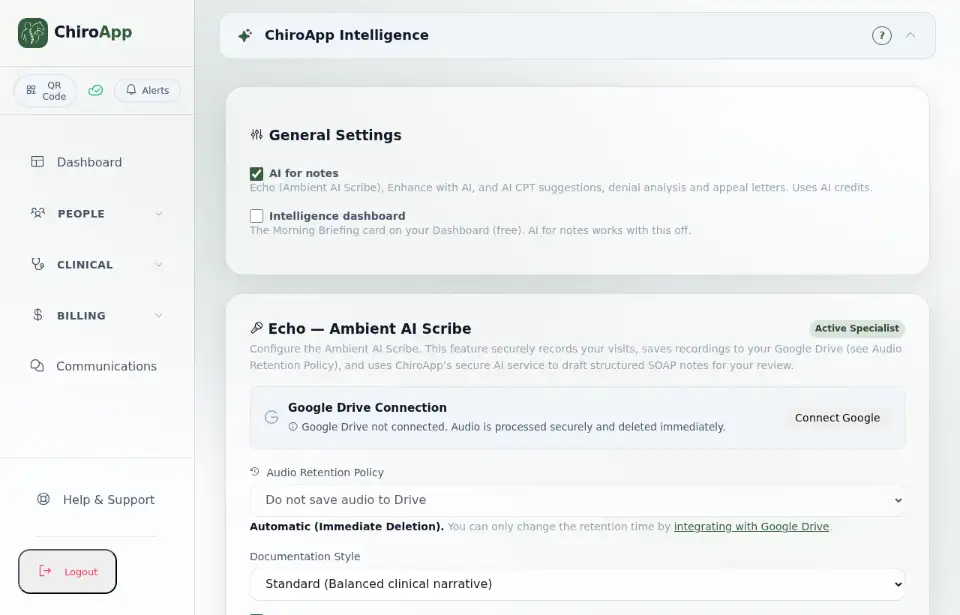
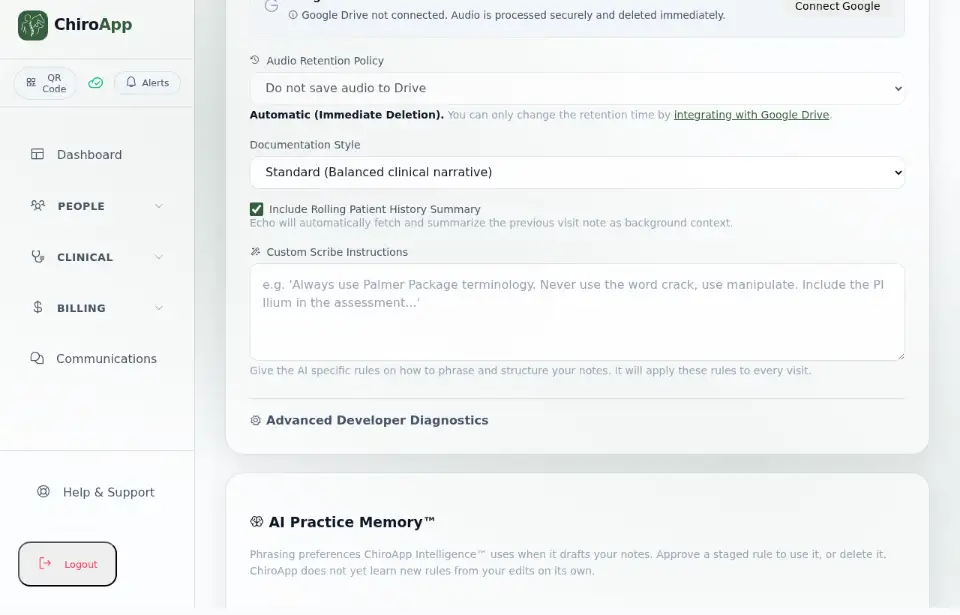
In the Echo card, choose the Documentation Style (brief, standard or detailed), whether to Include Rolling Patient History Summary (Echo reads the previous visit note for context), and any Custom Scribe Instructions for how your notes should be worded.
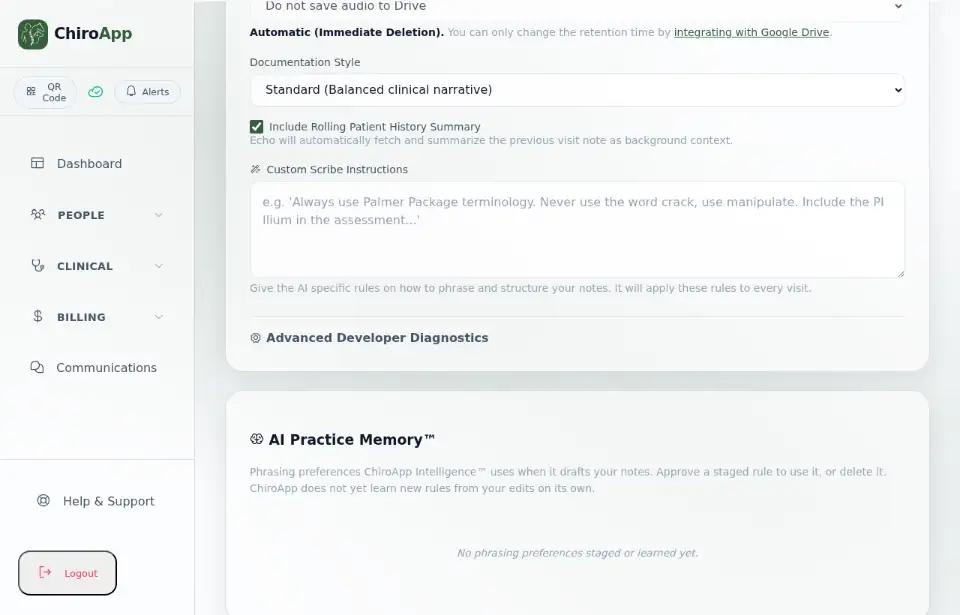
Under Audio Retention Policy: without Google Drive, the recording is processed and deleted immediately. To keep recordings for a while in your own Google Drive, press Connect Google and choose how long to keep them.
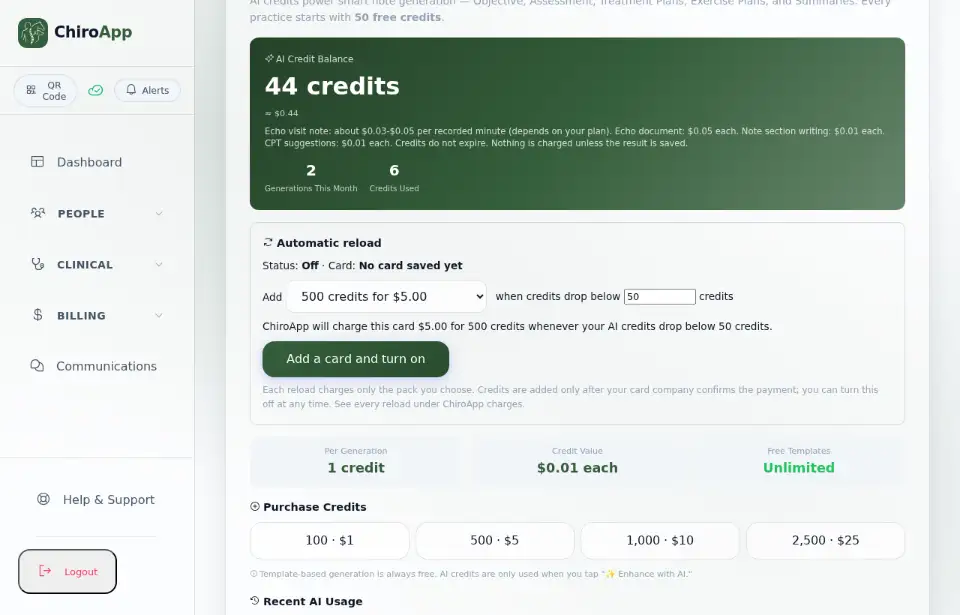
Echo uses AI credits. Open Practice Setup and find AI Credits to see your balance and the price per recorded minute. Every practice starts with free credits.
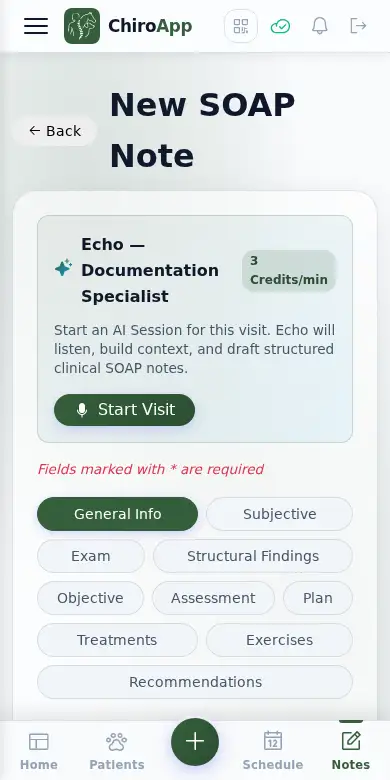
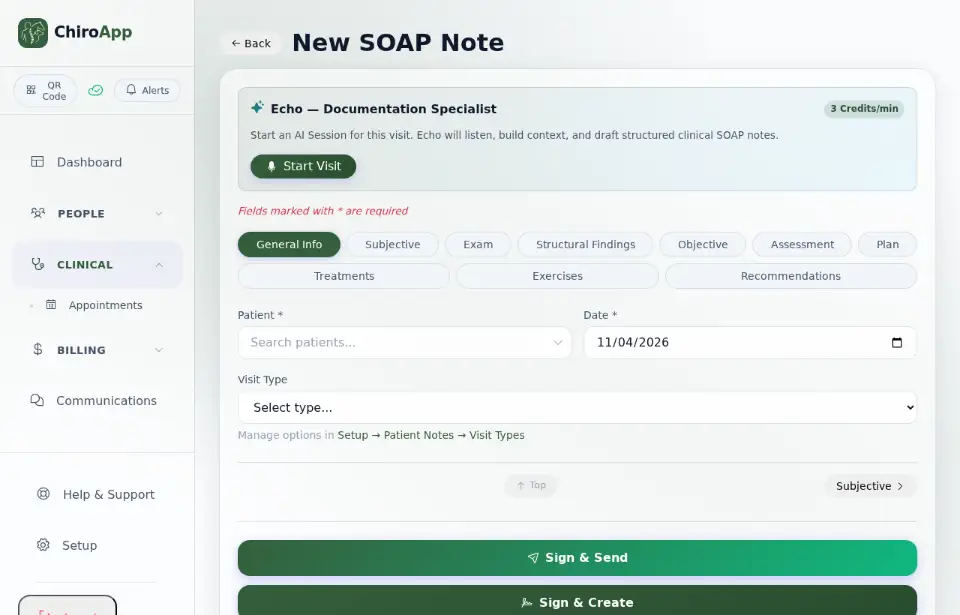
To use Echo, open a visit note (see Write and sign a visit note) and press Start Visit when the visit begins; press End Visit when it ends. Echo drafts the note; you read it, change what is needed and sign it. To open a note from the menu: Clinical, Notes, then New Note.
On a phone On a phone, tap the menu button (three lines) at the top left first.